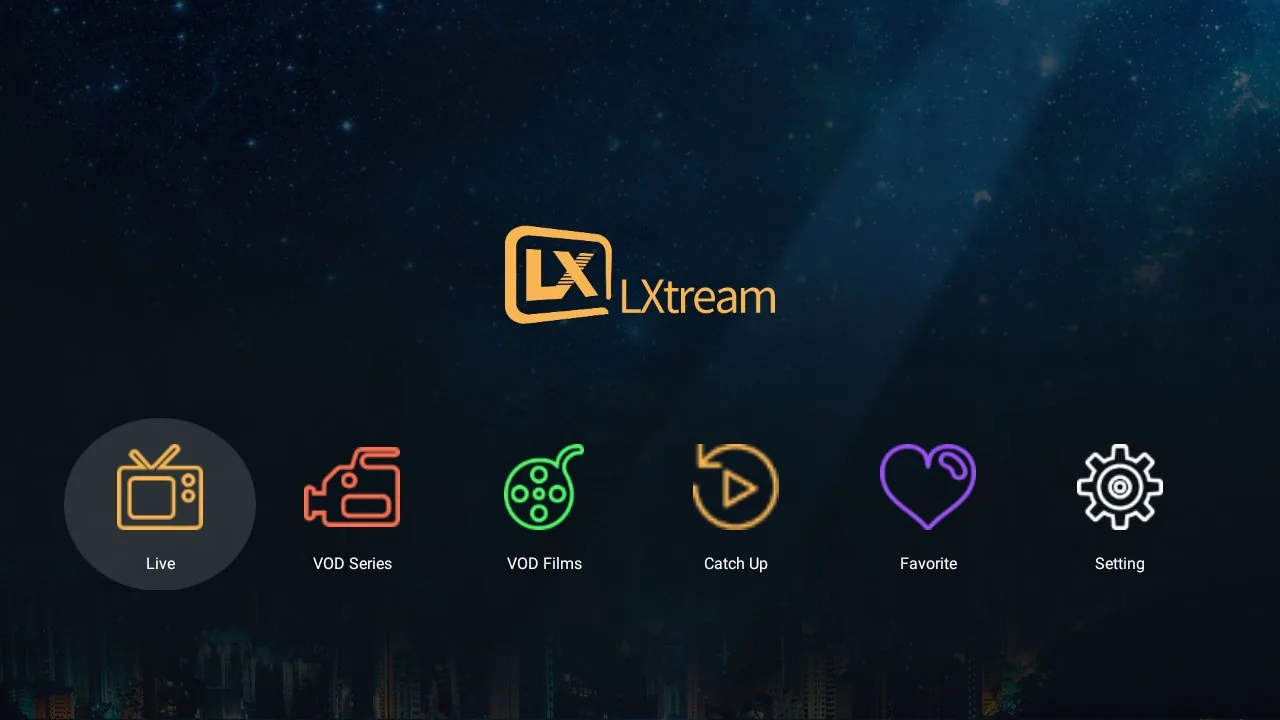
One player.
Every screen in your home.

LXtream Player is a clean, fast streaming player for Samsung Tizen and LG webOS Smart TVs, and Android devices. Sign in with the account from your own service provider and enjoy live TV with EPG, movies and series — with a remote-friendly interface built for television.

Samsung Tizen
LG webOS
Android phone / TV / box

Download for Android

Samsung Tizen / LG webOS versions coming soon to your TV's app store

Take a look inside

Real screens from the app — built for the remote, readable from the couch.
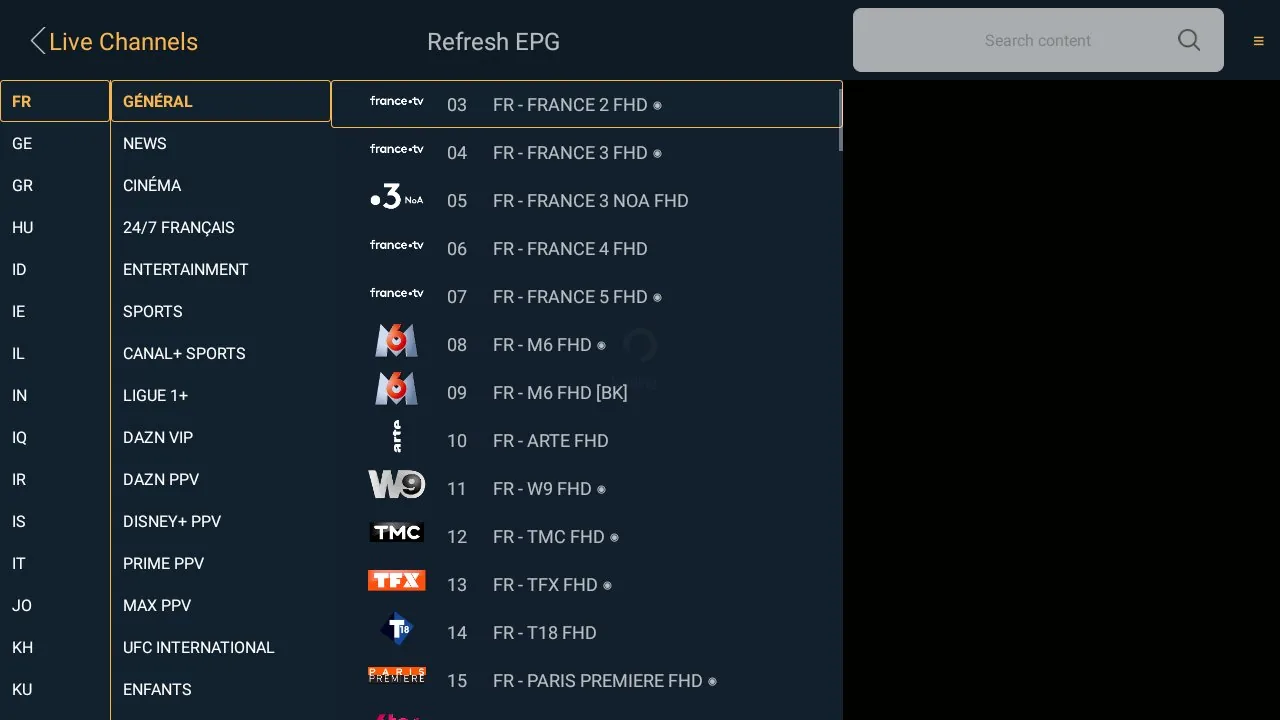
Smart grouping — find any channel in seconds

Your provider's channel list can hold hundreds of categories. LXtream Player organizes them automatically into a clean two-level panel:

  • Left column — countries & regions. France, Belgium, sports, VIP and more, recognized automatically from any provider's naming style.
  • Right column — the categories inside. Long country-prefixed names are stripped down to what matters: "GÉNÉRAL", "CINÉMA", "SPORTS"…
  • Arrow keys move across both columns and straight into the channel list — no digging through flat, endless lists.
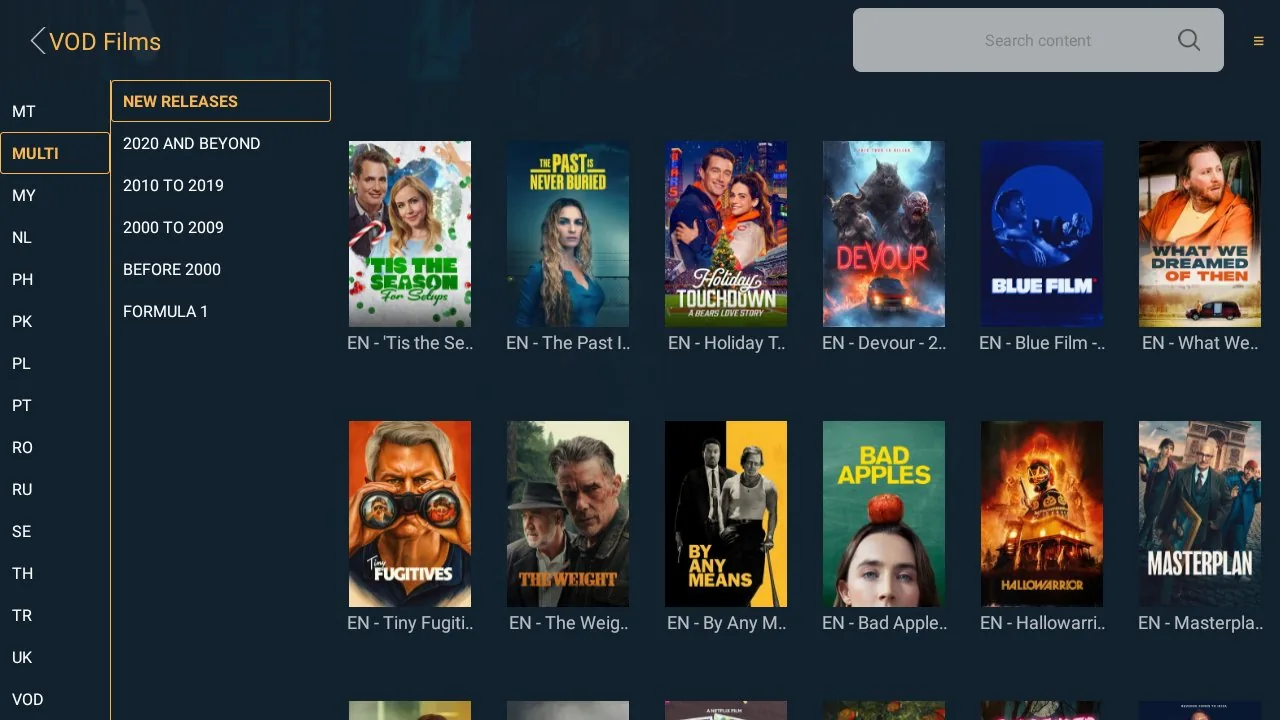
  • The same grouping works for movies and series, and it adapts to any Xtream provider's catalog.
Two-level grouping panel
Country column + category column + channel list

Cast to your TV — from your phone

Playback on phone
Watching on the phone…

Start watching on your phone, then send it to the big screen with one tap:

  • Chromecast — cast to any Chromecast device or Android TV.
  • DLNA / Smart TV — cast directly to Samsung, LG, Philips and other DLNA-compatible TVs, no extra hardware needed.
  • Live channels, movies, series and catch-up all cast — episodes keep auto-playing on the TV.
  • If a channel stutters, the player automatically switches to another source, and keeps the cast session going.

Everything your TV needs

Live TV & EPG

Browse channels by category or country, with a full electronic program guide, now/next preview and fast zapping.

Movies & series

Video on demand with categories, search, favorites, poster art and detail pages. Episodes play one after another.

Built for the remote

Every screen is designed for TV remotes — arrow-key navigation, quick channel switching and an interface readable from the couch.

Fast on any TV

Categories and channels load on demand, so even large provider libraries open quickly on older TV models.

Multi-language UI

Interface available in multiple languages with full right-to-left (Arabic) support.

4K streaming

Smooth HD and 4K playback where your provider and network support it.

Get started in three steps

Install

Install LXtream Player from your TV's app store (Samsung Apps on Tizen, LG Content Store on webOS), or on your Android device.

Sign in

Enter the Xtream Codes credentials — server URL, username and password — provided by your own IPTV service provider.

Watch

Your channels, guide, movies and series appear instantly. Add favorites and pick up right where you left off.

Important notice

LXtream Player is media player software only. It contains no channels, movies, series or any other content.

You must use the app with credentials and playlists obtained from your own licensed service provider. All content is streamed directly from your provider to your device; we do not host, aggregate, sell or distribute any media content. Users are solely responsible for ensuring that their use of the app complies with all applicable laws and copyrights.

Ready to watch? Get the latest version now.

Download for Android

Questions about setup or your subscription? Contact Support

Read the full feature walkthrough →