
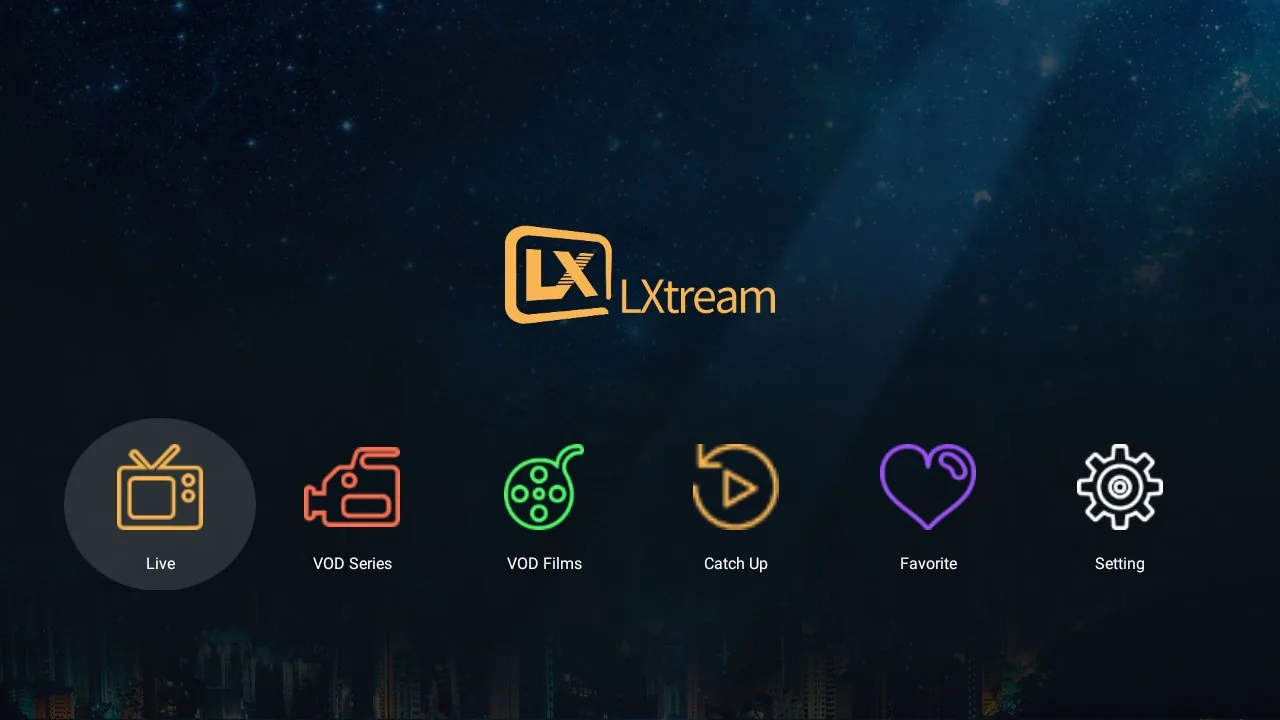
1. A home screen your whole family understands
No cluttered menus. Five entries: Live, VOD Series, VOD Films, Catch Up and Favorites. Pick one and you're one click from watching.
2. Smart grouping: hundreds of categories, tamed
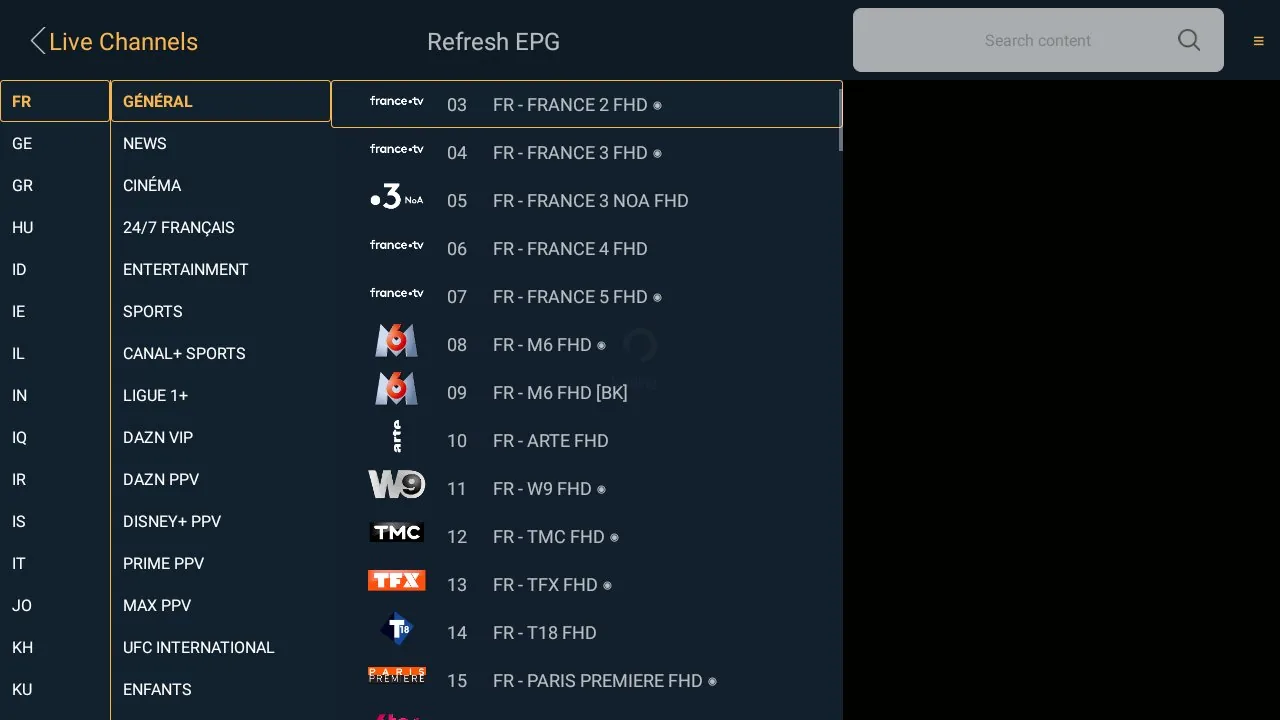
If you've used IPTV before, you know the pain: a flat list of 300+ categories with names like "|FR| TF1 HEVC", "FR - SPORTS", "UK: ENTERTAINMENT". LXtream Player reads those names, recognizes the country and the group, and rebuilds everything into a two-level panel:
- Left column — countries and regions. FR, BE, UK, AR… plus special groups like Sports and VIP, all detected automatically regardless of how your provider names them.
- Right column — categories inside that country. Long prefixes are stripped away: "GÉNÉRAL", "CINÉMA", "SPORTS", "INFOS".
- One fluid motion. Press right from a category and the focus lands in the channel list. Press left and you're back to countries. No scrolling through endless flat lists.
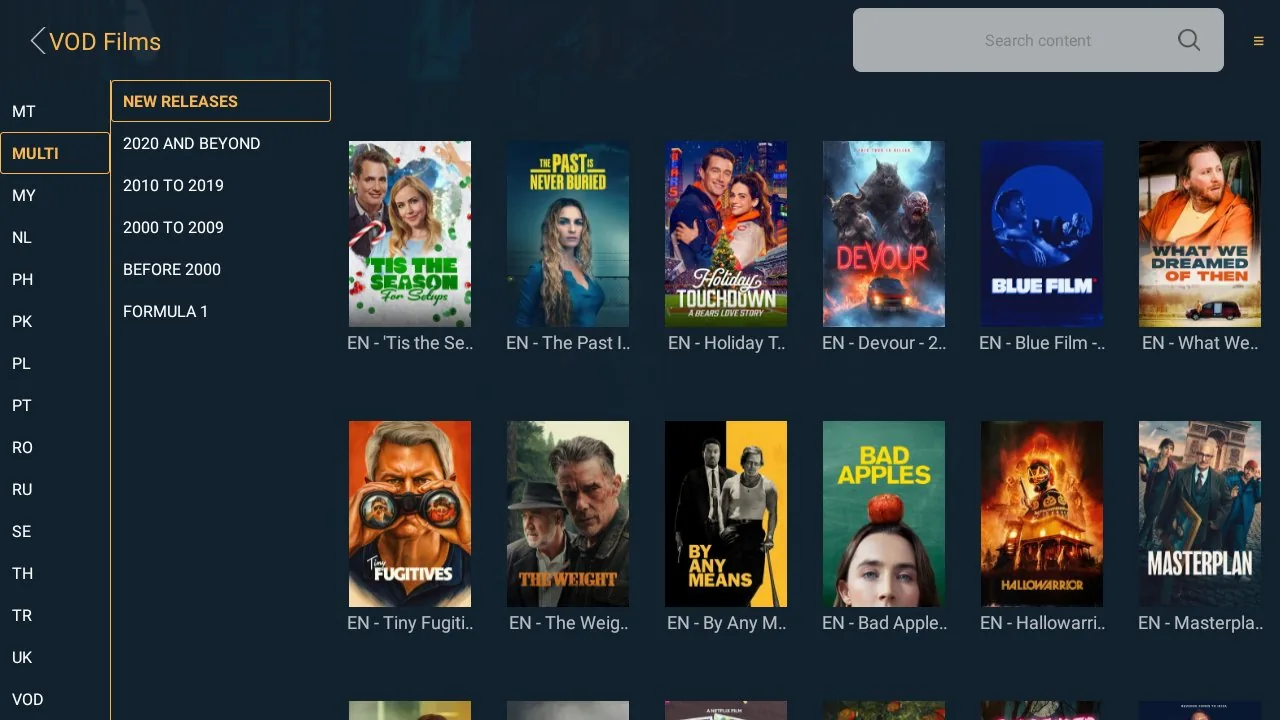
The same grouping powers movies and series too — so "EN - Action 2024" and "UK Movies" both end up exactly where you'd look for them.
3. Live TV with a proper EPG
Channel logos, the current and next program, and a full program guide — with the timeline bar at the bottom showing what's on now and what's next. Zapping is instant: up/down moves through channels while the info bar keeps you oriented.

4. Cast to the big screen, from your phone
Start a movie on your phone, then send it to the TV with one tap:
- Chromecast — any Chromecast, Google TV or Android TV device.
- DLNA — directly to Samsung, LG, Philips and other Smart TVs. No extra box, no extra apps on the TV.
- Live, movies, series and catch-up all cast. Binge-watching works too: when an episode ends, the next one starts on the TV by itself.
- The app detects when the TV stops and quietly hands playback back to your phone — no double playback, no stuck sessions.
5. Movies & series that feel like a real catalog
Poster art, clean grids, search, and categories grouped the same smart way as live TV. Series open by season with episode lists — and when an episode finishes, the next one starts automatically. Long libraries load in pages, so even huge VOD collections open fast on older TVs.
6. Details that matter every day
- Favorites — one click on the heart, for channels, movies and whole series.
- Catch up — watch programs from the past days when your provider supports it.
- Multi-language interface — including full Arabic right-to-left support.
- Fast on old hardware — nothing loads until you open it; a 10-year-old box still feels quick.
- Automatic source switching — if a channel's stream fails or keeps buffering, the player tries another source on its own and tells you what happened.
Frequently asked questions
Does LXtream Player include channels or movies?
No. It is a player only — it contains no content. You sign in with the account provided by your own IPTV service provider, and it plays what your subscription includes.
How do I log in?
With Xtream Codes credentials: server URL, username and password. Your provider sends these to you when you subscribe.
Which devices are supported?
Android phones, boxes and TVs today — Samsung Tizen and LG webOS Smart TV versions are on the way. The same account works across devices.
Is it hard to set up on a TV?
Three steps: install from the app store, type your credentials with the remote, watch. Most users are done in under three minutes.
You must use the app with credentials and playlists obtained from your own licensed service provider. All content is streamed directly from your provider to your device; we do not host, aggregate, sell or distribute any media content. Users are solely responsible for ensuring that their use of the app complies with all applicable laws and copyrights.